
UNDERSTANDING PING: WHAT DOES PING MEAN IN GAMING?
Understanding Ping: What Does Ping Mean in Gaming?
When you’re deep into a gaming session, have you ever encountered the term "ping"? It’s a word that often pops up in discussions about online gaming, but what does it really mean? Understanding ping is crucial for any gamer since it significantly impacts your gaming experience.
At its core, ping refers to the reaction time of your connection. More specifically, it measures how long it takes for a data packet to travel from your device to a gaming server and back. This time is usually measured in milliseconds (ms). The lower the ping, the better your gaming experience. A ping below 20 ms is considered excellent, while anything above 100 ms can lead to noticeable delays in gameplay. So, why does this matter?
When you press a button, whether to jump or shoot in a game, your command must reach the server and be processed. If your ping is high, there’s a delay, and actions may feel sluggish or unresponsive. Here’s a breakdown of how different ping levels can affect your gaming:
- 0-20 ms: Excellent - This is the ideal range for competitive gaming. You’ll notice no lag, and your movements will feel immediate.
- 20-50 ms: Good - Most players will find this range acceptable, with only minor delays that shouldn’t hinder gameplay.
- 50-100 ms: Average - This can lead to obvious lag in fast-paced games, making you feel slightly disconnected from the game.
- 100-200 ms: Poor - At this level, delays become noticeable, and gameplay can be frustrating, especially in competitive settings.
- 200 ms and above: Bad - A high ping in this range can lead to severe lag, making it nearly impossible to play effectively.
Several factors can impact your ping in gaming. Understanding these factors can help you optimize your connection for a better experience:
- Internet Service Provider (ISP): Your choice of ISP can significantly affect your ping. Some providers offer faster and more reliable connections than others.
- Connection Type: Wired connections, like Ethernet, typically provide lower ping times compared to wireless connections. If you’re serious about gaming, using a wired connection can make a difference.
- Distance to Server: The physical distance between you and the gaming server plays a crucial role. The farther away the server is, the longer it takes for data to travel, resulting in higher ping.
- Network Congestion: At peak times, when many people are using the internet, you might experience higher ping. This is especially true if others in your household are streaming or downloading large files.
- Hardware Limitations: Sometimes, older routers or devices can slow down your connection, leading to increased ping times.
Now that you know the significance of ping, it’s important to monitor it actively. Many games offer in-game options to check your ping in real-time. However, there are also various tools and applications available to test your ping outside of games. Here’s how you can check it:
- Use the built-in diagnostics in your game to view your ping in the server’s settings.
- Run a ping test using software on your computer. Tools like PingPlotter or simple command line utilities can provide detailed reports.
- Check dedicated gaming routers that display real-time ping statistics.
Improving your ping can make a huge difference in your gaming experience. Here are a few tips to reduce your ping:
- Switch to a wired connection if you’re on Wi-Fi.
- Close unnecessary applications that may use bandwidth while you’re gaming.
- Change your DNS settings to use a faster DNS service.
- Contact your ISP to see if they offer plans with lower latency.
Understanding what ping means in gaming is vital for improving your gameplay. With lower ping, you'll experience smoother and more responsive actions, giving you that competitive edge in your favorite games. By taking proactive steps to monitor and improve your ping, you can enjoy a much better online gaming experience.
How Ping Affects Your Online Gaming Experience
In the world of online gaming, the term "ping" is frequently tossed around. But what does it really mean, and how does it impact your gaming experience? Ping is a measure of the round-trip time it takes for data to travel from your computer to a game server and back again. Essentially, it indicates the latency of your connection. The higher the ping, the longer you may have to wait for your actions to be registered in the game, which can significantly affect how you play.
Understanding ping is important for any gamer, whether you're a casual player or a competitive pro. Here are some key points about ping and how it affects your gaming:
- Measurement: Ping is measured in milliseconds (ms). A lower ping means a better connection, while a higher ping results in noticeable delays.
- Impact on Gameplay: High ping can lead to lag, causing delays in reactions and animations. This can be frustrating, especially in fast-paced games that require quick thinking and reflexes.
- Ping Ranges:
- 0-20 ms: Excellent – Almost no noticeable lag.
- 21-50 ms: Good – Minimal lag; gameplay is smooth.
- 51-100 ms: Average – Some lag; may impact performance in competitive games.
- 100+ ms: Poor – Noticeable lag; patience needed to play effectively.
Why does ping matter so much? In online gaming, response time can be everything. For gamers, having a low ping means actions like shooting, jumping, or moving are executed with more accuracy. Think about shooting games where aiming is key. With a lower ping, your shot is registered faster, giving you a competitive edge over someone with higher latency.
On the contrary, if your ping is high, you might fire a shot and see your character hesitate before the action takes place. This delay can cause you to miss crucial moments during gameplay because the game doesn't sync up with your real-time actions. This situation is known as "lag," and many players find it extremely frustrating.
There are several factors that can influence your ping. Understanding these can help you minimize latency and improve your overall gaming experience:
- Internet Connection Type: Different types of internet connections have varying degrees of latency. Broadband and fiber connections typically have lower ping compared with satellite or dial-up connections.
- Distance to Server: The farther you are from the game server, the higher the ping can be. Connecting to a server that’s geographically closer can drastically reduce your latency.
- Network Traffic: The more devices connected to your network, the higher the chance your ping will increase. This congestion can lead to packet loss and higher latency.
- Wired vs. Wireless: A wired connection (like Ethernet) generally provides a more stable and lower ping compared to Wi-Fi, which may experience interference and signal loss.
To improve your ping, you can follow some simple tips:
- Use a Wired Connection: Whenever possible, connect your gaming device directly to the router with an Ethernet cable.
- Close Background Applications: Ensure that no other applications are using bandwidth while you game, such as video streaming or downloads.
- Choose the Right Server: When gaming, select the server that is closest to your location.
- Upgrade Your Internet Plan: If you frequently experience high ping, consider talking to your internet service provider about upgrading your service.
Your online gaming experience can dramatically differ based on ping. Lower ping means smoother gameplay, while higher ping can be a source of irritation. By understanding what ping means in gaming and how it affects your performance, you can take proactive measures to enhance your gaming sessions, ensuring they are as enjoyable as possible. Remember, in online gaming, every millisecond counts!
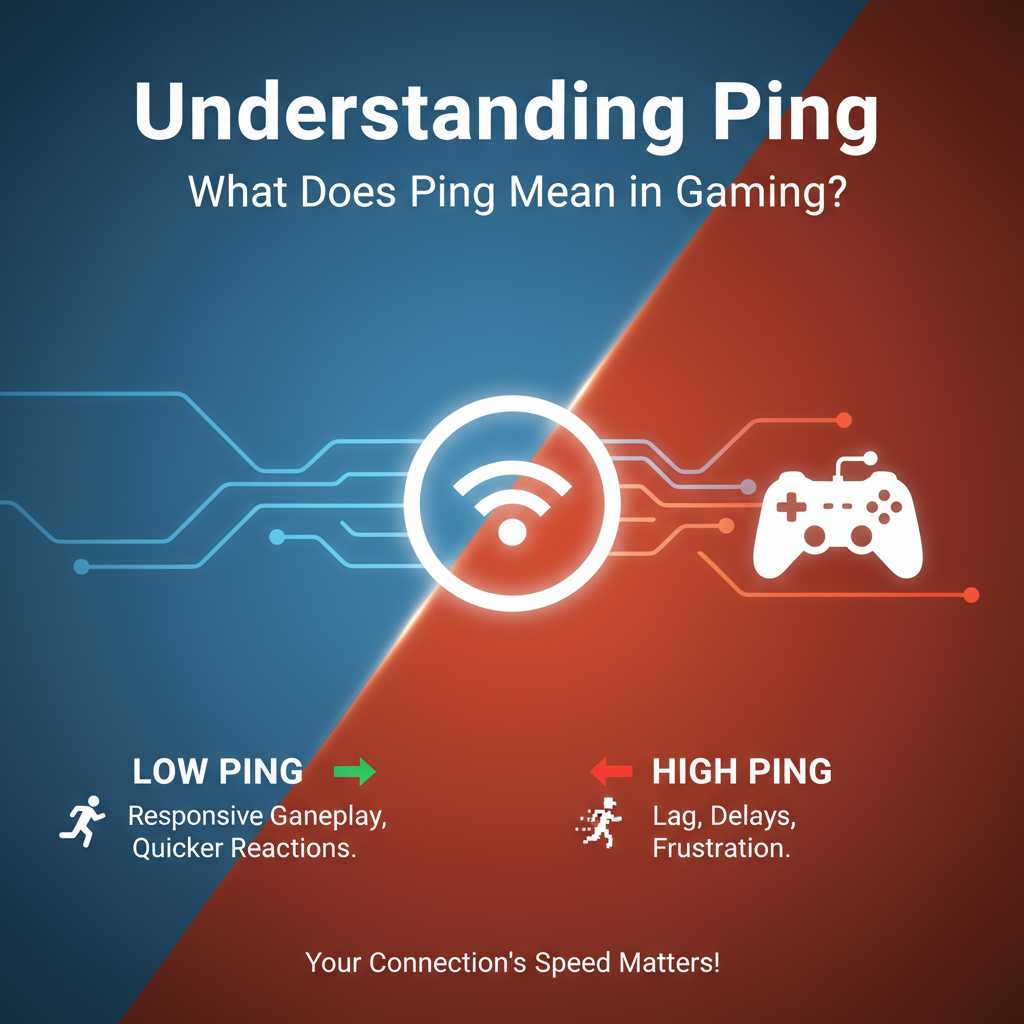
Common Causes of High Ping and How to Fix Them
High ping can be a game-changer in online gaming, turning thrilling matches into frustrating experiences. Knowing what causes high ping can help you pin down issues and enjoy a smoother gaming experience. Let’s explore the common causes of high ping and how you can fix them.
Network Congestion
One of the most frequent culprits behind high ping is network congestion. This occurs when too many users are consuming bandwidth at the same time. For example:
- Streaming videos
- Downloading large files
- Other users browsing the internet
To counteract network congestion, try playing during off-peak hours when fewer people are online. You can also limit the number of devices connected to your network while gaming.
Wi-Fi Weakness
If you're using Wi-Fi, the strength of your connection can significantly affect your ping. Walls, furniture, and distance from the router can weaken your signal. Consider these strategies to improve your Wi-Fi connection:
- Move closer to your router
- Remove obstacles between your router and your gaming device
- Reset your router regularly
If possible, using an Ethernet cable to connect directly can provide a more stable connection and lower ping.
Server Location
The distance between your gaming device and the game server can also contribute to high ping. Typically, the further away you are from the server, the longer data takes to travel back and forth. To minimize this issue:
- Select servers closer to your geographical location
- Check if your game allows switching servers and find a nearby option
Using a server closer to you can dramatically decrease your ping and improve your gaming experience.
Outdated Hardware
Sometimes, the devices you're using can be a bottleneck. If your gaming console or PC is outdated, this can lead to high ping. Here’s what you can do:
- Upgrade your router to a newer model
- Ensure your gaming device meets the game’s requirements
- Regularly update your device’s firmware and software
Keeping your hardware up-to-date can make sure everything runs smoothly, minimizing ping.
Background Applications
Do you have applications running in the background while gaming? Programs like file sync services, software updates, or even web browsers can consume bandwidth, leading to higher ping times. To solve this, close non-essential applications before you start gaming. Here are some steps to take:
- Limit background downloads
- Exit applications that use your internet connection
- Check your device manager for any unwanted processes
A clean start can make a significant difference in your ping performance.
ISP Issues
Sometimes, your Internet Service Provider (ISP) might be the root of the problem. Throttling, poor routing, or general network problems can affect your connection speed. To deal with ISP-related issues:
- Contact your ISP to inquire about problems in your area
- Consider switching to a different provider if problems persist
- Research ISPs that have a reputation for good gaming performance
Your choice of ISP can notably affect your gaming experience, including ping times.
Using VPNs
While Virtual Private Networks (VPNs) can enhance security and privacy, they often add extra distance to your data's travel path, increasing ping. If you're using a VPN while gaming, consider disconnecting it for a better experience. Or, if you need to use one:
- Select a VPN with servers close to your game's server
- Choose a VPN known for low latency
Be aware of the trade-offs when using a VPN in gaming scenarios.
By understanding the common causes of high ping and applying these fixes, you can greatly enhance your gaming experience. Even small adjustments can lead to smoother gameplay and greater enjoyment.
The Role of Ping in Competitive Gaming
When you dive into competitive gaming, one term you'll frequently encounter is "ping." But what exactly does ping mean in gaming, and why does it matter? Understanding ping can significantly enhance your gaming experience, especially in competitive settings.
Ping refers to the latency, or the time it takes for data to travel from your computer to a game server and back. This is usually measured in milliseconds (ms). The lower the ping time, the faster the response between your actions and the server's reactions. For example, a ping of 20 ms indicates a minimal delay, while a ping of 100 ms signifies a noticeable lag. This difference can be the turning point in a tight match.
Here’s what you need to know about how ping affects gameplay:
- Networking Performance: A lower ping improves networking performance. When you shoot an opponent or take cover within a game, a low ping ensures that your commands reach the server quickly. Conversely, high ping can lead to missed shots or character movements that feel disconnected from the actions you're attempting.
- Competitive Edge: Players in competitive environments strive for the lowest ping possible. This low latency can create a significant advantage over opponents who experience higher ping. Even a 20 ms delay can hinder your ability to react quickly in a high-stakes match.
- Game Type Influences: The typical acceptable ping can vary depending on the type of game. Fast-paced shooters like "Call of Duty" or "Counter-Strike" usually require a ping of 30 ms or lower for optimal performance. Meanwhile, strategy games or turn-based games can tolerate slightly higher ping with less impact on gameplay.
- Connection Quality: Your ping is heavily influenced by the quality of your internet connection. Wired connections generally provide better stability and lower ping compared to wireless setups. If you're serious about gaming, investing in a good quality Ethernet cable and ensuring a strong internet connection can make a big difference.
- Geographical Differences: The physical distance from your home to the game server also influences ping. If you’re located far from a server, expect inherently higher ping times. Some games offer regional servers, which can help gamers connect to a server closer to them, thus reducing ping.
Gamers can check their ping using various methods. Many games have built-in features that show current ping statistics while you play. Additionally, tools like Pingtest.net can help measure your internet connection performance outside of a game environment. Remember, you want a ping as low as possible, ideally ranging between 0-60 ms for the best competitive experience.
It's also essential to address common misconceptions about ping. Some gamers mistakenly believe that larger bandwidth automatically equates to lower ping. While bandwidth affects download speeds and the ability to transfer data, ping is primarily about latency. Thus, it’s critical to focus on both aspects to enhance your gaming experience.
Moreover, you might encounter "ping spikes," moments where your ping suddenly increases. This can occur due to various reasons like network congestion, router issues, or bandwidth use by other devices in your home. A spike can drastically affect gameplay, causing a brief but disruptive lag that can change the game's outcome. To maintain a smooth gaming experience, consider limiting the number of devices using your internet connection while you play.
In competitive gaming, knowledge is power. Understanding what ping means and how it affects your gameplay can be a game-changer. By optimizing your internet connection and choosing the right servers, you can significantly improve your experience. Remember, in the world of competitive gaming, every millisecond counts! Stay sharp, reduce your ping, and enhance your chances of victory.
Tools and Techniques to Measure Your Ping Effectively
When gaming online, one term often pops up: ping. This refers to the time it takes for data to travel from your device to the game server and back again, measured in milliseconds. A low ping means fast communication with the server, while a high ping can result in lag, making your gaming experience frustrating. But how do you effectively measure your ping? There are various tools and techniques available that can help you achieve this.
Understanding Ping Measurement
Measuring your ping effectively begins with understanding what ping truly is. Think of it like the speed of a conversation. The quicker you can ask a question and get a response, the smoother things will flow. In gaming, a ping under 50 ms is generally considered excellent, 50-100 ms is acceptable, while anything above 100 ms may start causing noticeable lag in fast-paced games.
Online Ping Test Tools
Using online ping test tools is one of the easiest ways to measure your ping. Here are some popular options:
- Pingtest.net: Quickly checks your ping and provides a breakdown of your connection quality.
- Speedtest.net: While primarily for measuring internet speed, it also gives a ping value.
- GamePing.net: Focuses on ping measurements for various game servers worldwide.
These tools are user-friendly; you typically just need to visit the website and click a button to get your results. They can help you identify if your current internet provider is giving you the best speeds for gaming.
Using Command Prompt for Direct Measurement
If you prefer a more hands-on approach, you can measure your ping directly through your computer’s Command Prompt. Here’s how you can do this:
- Open Command Prompt (search for “cmd” in the Windows search bar).
- Type ping [server address] (replace [server address] with the IP address or URL of the game server you want to test).
- Press Enter and observe the results displayed.
This method not only shows you the ping but also gives you an idea of packet loss, which can indicate issues with your network.
Network Performance Monitoring Software
If you’re serious about measuring and optimizing your ping, consider using network performance monitoring software. Here are a few options:
- PingPlotter: This provides real-time tracking of your ping, including graphical representations, making it easy to spot issues over time.
- Wireshark: A more advanced tool that analyzes data packets on your network. While it requires some technical know-how, it gives comprehensive data on latency and more.
Router Quality and Settings
Your router is a crucial player in ping measurement. Outdated or poorly configured routers can slow down your connection, increasing your ping. Here are some tips to optimize your router:
- Ensure your router's firmware is up to date.
- Configure Quality of Service (QoS) settings to prioritize gaming traffic.
- Use a wired Ethernet connection instead of Wi-Fi, if possible, to reduce interference and lag.
ISP Check and Comparison
Sometimes, the issue with high ping lies with your internet service provider (ISP). It’s worthwhile to check with your ISP to see if they offer faster plans or if there are any connection issues in your area. You can also compare ISPs for better options tailored for gaming needs.
Server Location Awareness
Remember that the proximity of game servers also affects ping. Choosing a server located closer to you generally results in lower ping times. Many games allow you to select specific servers; make it a habit to choose those that are nearest to your region.
By leveraging these tools and techniques, measuring your ping effectively becomes simpler. Understand your connection's performance, optimize your setup, and choose the right servers to enhance your gaming experience. Keeping an eye on your ping can significantly improve your gameplay, giving you the competitive edge you need to win.
Conclusion
Understanding ping in gaming is crucial for anyone who wants to enhance their online gaming experience. Ping refers to the time it takes for your device to send a request to the server and receive a response. A lower ping means smoother gameplay, while a high ping can lead to frustrating delays and lag. Throughout our discussion, we explored how ping affects online gaming, impacting everything from casual matches to intense competitive environments.
You’ve learned that high ping can stem from various factors, including poor internet connection, server location, and network congestion. Fortunately, there are steps you can take to minimize these issues. Switching to wired connections, closing background applications, and choosing servers closer to your location are all practical solutions that can help reduce your ping.
Furthermore, in competitive gaming, where every millisecond matters, understanding and managing your ping can be the difference between victory and defeat. Players often use specialized tools and techniques to measure their ping, ensuring they stay connected with the best possible latency. Regularly monitoring your ping can prepare you for challenges in fast-paced games and give you an edge in competition.
As you continue your gaming journey, keep an eye on your ping, and don't hesitate to use the insights gained from this article. Whether you're a casual gamer or an aspiring pro, mastering the nuances of ping can lead to a more enjoyable and efficient gaming experience. Embrace the need for speed and focus on optimizing your connection for the ultimate online adventure.